

PC上で AR Drawing Easy Trace 2 Sketch のための互換性のあるAPKをダウンロードしてください
| ダウンロード | 開発者 | 評価 | スコア | 現在のバージョン | アダルトランキング |
|---|---|---|---|---|---|
| ↓ PC用のAPKをダウンロード | Sugeng Riyanto | 0 | 0 | 3.0 | 4+ |
3 つの簡単な手順で、コンピューターで AR Drawing Easy Trace 2 Sketch.apk を使用する方法を説明します。
AR Drawing Easy Trace 2 Sketch iTunes上で
| ダウンロード | 開発者 | 評価 | スコア | 現在のバージョン | アダルトランキング |
|---|---|---|---|---|---|
| 無料 iTunes上で | Sugeng Riyanto | 0 | 0 | 3.0 | 4+ |
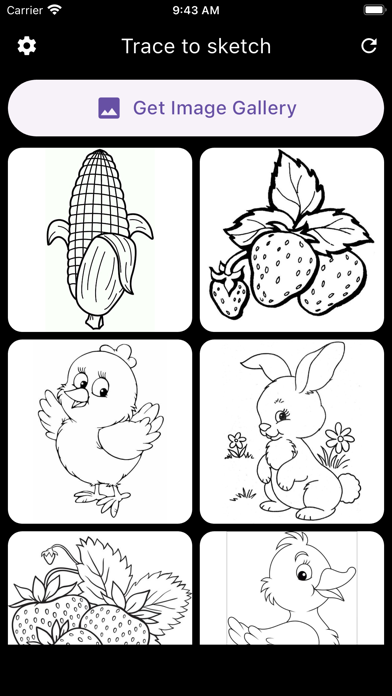
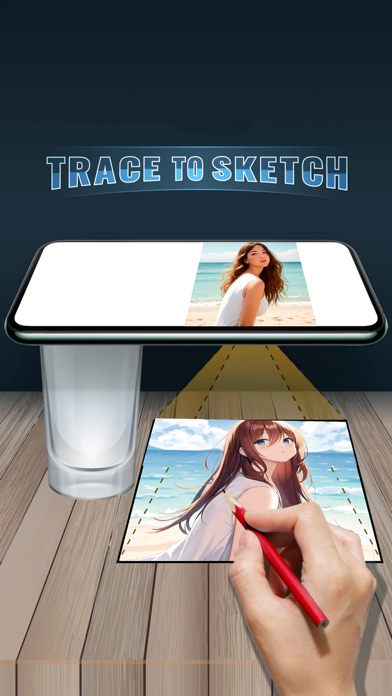
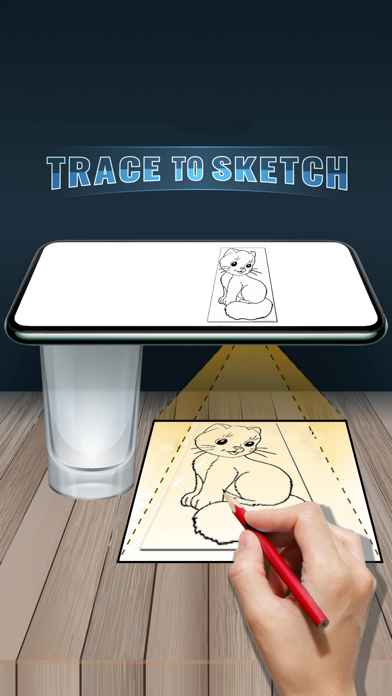
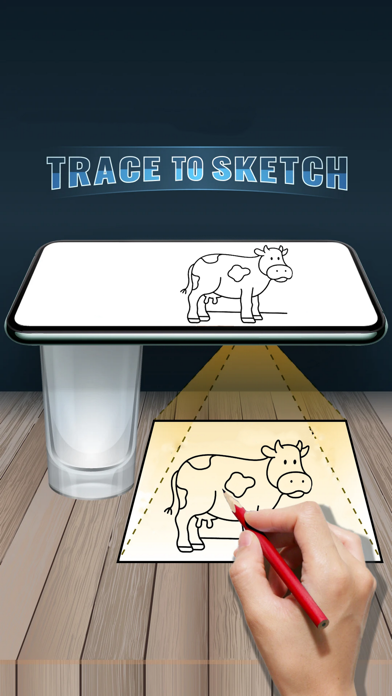
- Tracing is used to transfer images into line work. You put tracing paper on it and draw the lines you see. So, Trace & Sketch. - Using this application you can learn to draw or trace. - Select the image, then apply a filter. After that, you will see that image on the camera screen with transparency & you have to put any drawing paper or book that you want to trace and draw. Your image will not appear on the paper but the image is transparent with the camera so you can trace it on the paper. - Draw on paper by looking at the phone with a transparent image. - READ_EXTERNAL_STORAGE - Displays a list of images from the device and allows the user to select images to trace and draw on. - CAMERA - To Display trail image in camera and draw it on paper.


