

PC上で Dub AI Video Translator のための互換性のあるAPKをダウンロードしてください
| ダウンロード | 開発者 | 評価 | スコア | 現在のバージョン | アダルトランキング |
|---|---|---|---|---|---|
| ↓ PC用のAPKをダウンロード | Growup Infosoft | 0 | 0 | 2.0 | 4+ |
| SN. | アプリ | ダウンロード | 開発者 |
|---|---|---|---|
| 1. |
 AI Translator
|
ダウンロード ↲ | AI Software. |
| 2. |
3D Translator
|
ダウンロード ↲ | Seven Thunder Software |
| 3. |
AI Textfile Translator
|
ダウンロード ↲ | Thomas Osthege |
| 4. |
Subtitle Translation Assistant |
ダウンロード ↲ | Александр Селезнёв |
| 5. |
TraEnglish | Read Aloud with AI |
ダウンロード ↲ | SAKIWAI Inc. |
または、以下の PC (エミュレーター) 用の Dub AI Video Translator APK をダウンロードしてください。
3 つの簡単な手順で、コンピューターで Dub AI Video Translator.apk を使用する方法を説明します。
Dub AI Video Translator iTunes上で
| ダウンロード | 開発者 | 評価 | スコア | 現在のバージョン | アダルトランキング |
|---|---|---|---|---|---|
| 無料 iTunes上で | Growup Infosoft | 0 | 0 | 2.0 | 4+ |
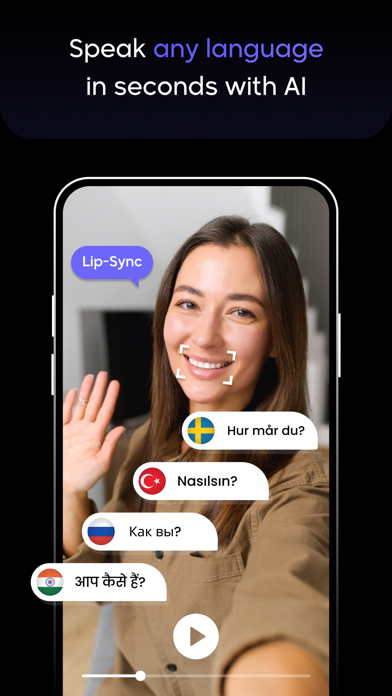
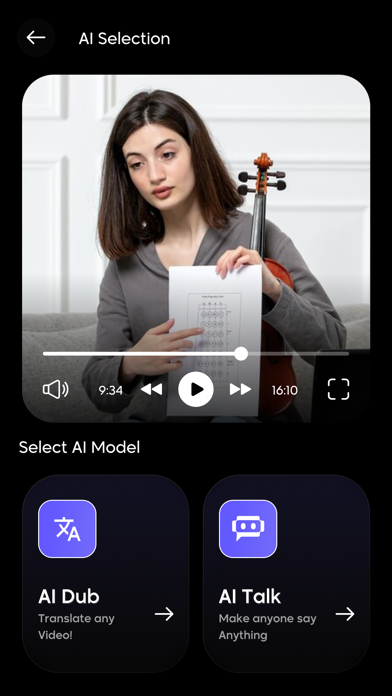
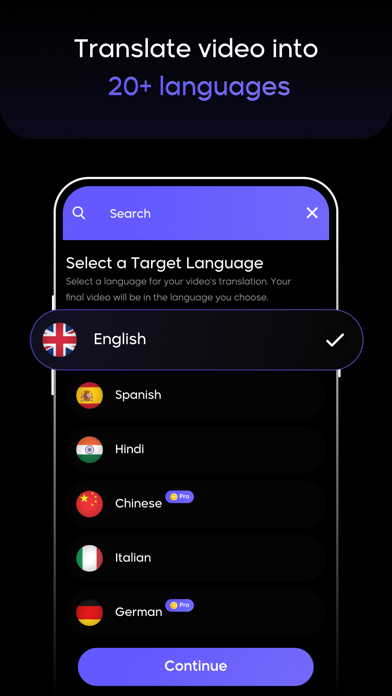
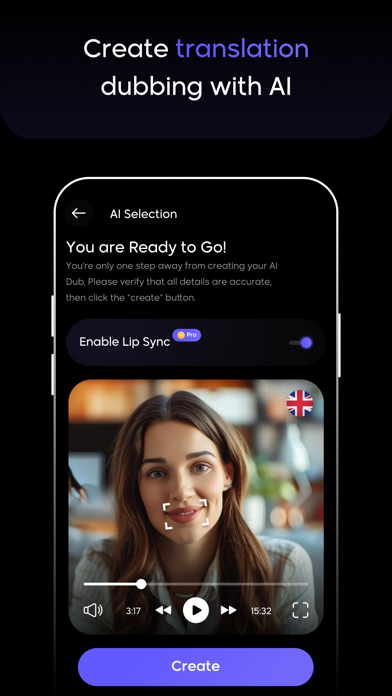
Translate the video-speaking language to another language that you want with this Dub AI Video Translator App. Now there is no need for any high-end professional video editing tool to change the language of a video clip; just use this Dub AI Video Translator App, with which you can easily translate any video language into your chosen language. Dub AI Video Translator with you can also translate any live scenario using the camera option. Changing a video clip's language is an easy process. To quickly locate the AI Dub video of your choice language, select the video from the collection, choose the language you wish to convert it into, and then click the generate button. FEATURES: Easily translate any video clip into another language Various languages are supported Translate any live scenario into another language with the help of a camera Allows to select video from the gallery You can also add links and translate videos into another language Lip sync to add a touch of another language spoken in the video It's easy to save and share a video clip Check out the premium features right now: • Go with the Ad-Free version without any single ads • Create Dub AI Video with credit Plans are here to make the app premium: Dub AI One Week - 6.99 USD Dub AI Video Translator 100 Credits - 9.99 USD Dub AI Video Translator 300 Credits - 19.99 USD Dub AI Video Translator 500 Credits - 29.99 USD • Your payment will be charged to your iTunes Account as soon as you confirm your purchase.The "Dub AI One Week" offering is auto-renewable subscriptions For more information: Privacy - http://growupinfosoft.com/pages/Policy.html terms of use - http://growupinfosoft.com/pages/Terms_Of_Use.html







