



PC上で RJLearnWords のための互換性のあるAPKをダウンロードしてください
| ダウンロード | 開発者 | 評価 | スコア | 現在のバージョン | アダルトランキング |
|---|---|---|---|---|---|
| ↓ PC用のAPKをダウンロード | Recurj doo | 0 | 0 | 1.2 | 4+ |
3 つの簡単な手順で、コンピューターで RJLearnWords.apk を使用する方法を説明します。
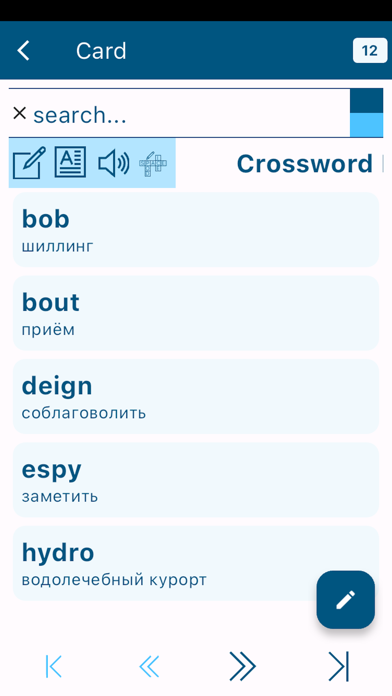
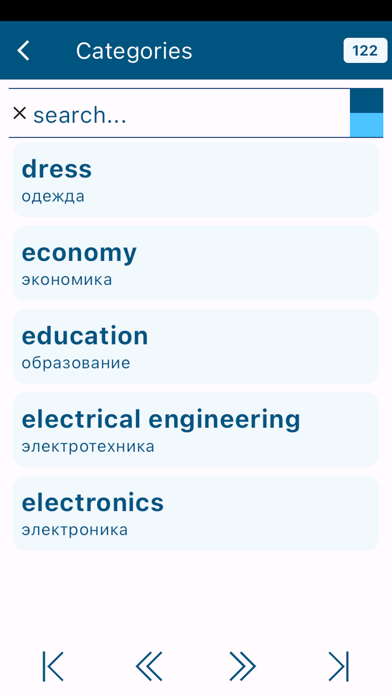
The application includes a dictionary of words in the target language with their translation into the native language of the user. In addition, the words are accompanied by examples of their use in both languages. Users can add dictionary entries to the dictionary. All dictionary entries in the dictionary can be edited. Words can be grouped into different categories. A large list of word categories is created upon installation of the application. Users can create their own word categories. The application features such functions as creating word cards and performing exercises to memorize words in the cards. Also users can create crosswords in their native or target languages and solve the crosswords to memorize words. Words and examples of their use can be read out in the native and target languages using the voice services installed on the application user’s device.





