

PC上で EZ Nautical Almanac のための互換性のあるAPKをダウンロードしてください
| ダウンロード | 開発者 | 評価 | スコア | 現在のバージョン | アダルトランキング |
|---|---|---|---|---|---|
| ↓ PC用のAPKをダウンロード | EZ Celestial LLC | 0 | 0 | 1.4 | 4+ |
| SN. | アプリ | ダウンロード | 開発者 |
|---|---|---|---|
| 1. |
 ezAlmanac Celestial
Navigation |
ダウンロード ↲ | EZ Celestial LLC |
| 2. |
i-Boating: USA - GPS Nautical Charts |
ダウンロード ↲ | Bist LLC |
| 3. |
i-Boating:Marine Navigation Maps & Nautical Charts |
ダウンロード ↲ | Bist LLC |
| 4. |
Sailing Reference
|
ダウンロード ↲ | Speak to the Geek |
| 5. |
Sky Navigator
|
ダウンロード ↲ | Oleg Dolgov |
または、以下の PC (エミュレーター) 用の EZ Nautical Almanac APK をダウンロードしてください。
3 つの簡単な手順で、コンピューターで EZ Nautical Almanac.apk を使用する方法を説明します。
EZ Nautical Almanac iTunes上で
| ダウンロード | 開発者 | 評価 | スコア | 現在のバージョン | アダルトランキング |
|---|---|---|---|---|---|
| ¥1,500 iTunes上で | EZ Celestial LLC | 0 | 0 | 1.4 | 4+ |
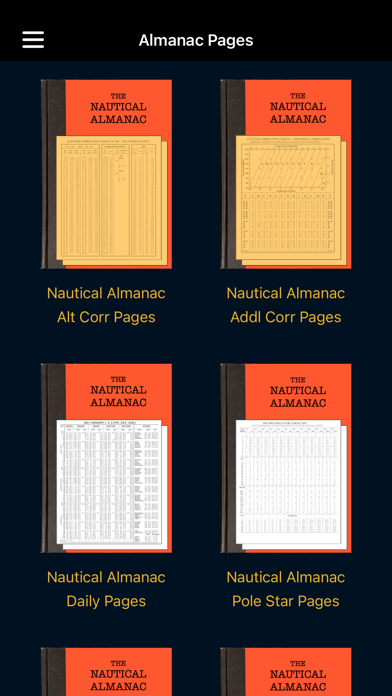
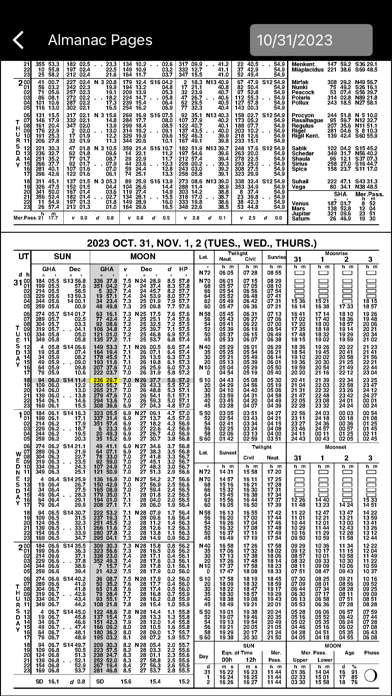
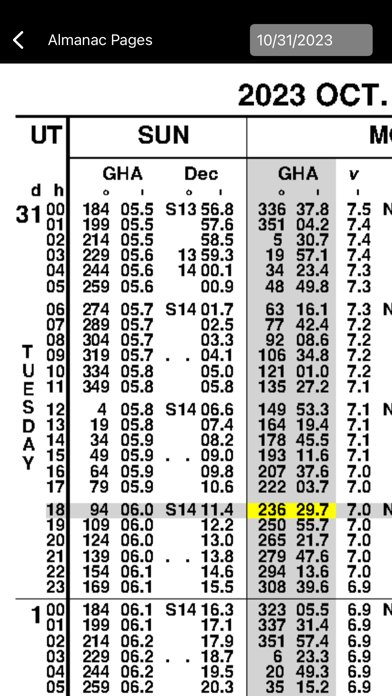
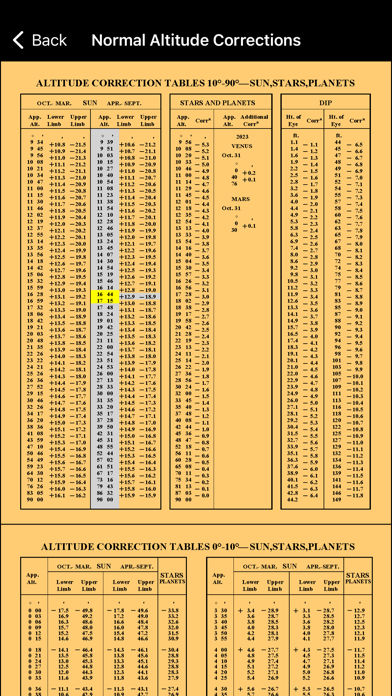
You need a Nautical Almanac to do celestial navigation. In today’s digital age, why buy a new book every year when you can buy a digital Nautical Almanac that provides 100 years of Nautical Almanacs (1960 - 2059) for less than half the price of a single year of the book. All data is formatted and organized exactly as you are used to seeing it in the official Nautical Almanacs published by USNO and HMNAO. Here are some things you can do with ezNA that you can’t do with your book: - Generate and use 100 years of Nautical Almanac pages for the years 1960 through 2059. - Easily go directly to the page you want without thumbing through pages. - Highlight the data you are looking for by touching the row and column headings on the page. - Zoom and pan to clearly read the tables. - Using Zoom, pan, and highlight makes the almanac easy to use on a phone as well as a tablet. - Functions are provided to do the necessary table lookups to perform basic Cel Nav activities. - The function pages show all almanac values used in the function with an almanac icon. - Click or touch the icon to go to the correct page with that value highlighted. The concise sight reduction tables are included and the sight reduction function demonstrates how to use them. If you have never used them then you are in for a big surprise. They are amazing! In the format I am generating them, they are a total of 16 pages (32 pages in the official Nautical Almanac). With this few pages and a few extra steps to use them you can still generate sight reductions that are typically within about 1 NM of those produced by Pub 229. Pub 229 has about 400 pages per volume and there is a total of 6 Volumes! ezNA performs all astronomical calculations using the NOVAS 3.1 software from the US Naval Observatory (USNO) and a JPL ephemeris that covers the years 1960 through 2059. Since all calculations are performed in the app, ezNA is fully functional with no dependency on a data connection. Please note that this digital Nautical Almanac is already included in ezAlmanacOne, which is our full celestial navigation solution. There is no need to purchase ezNA if you already have ezAlmanacOne. ezNA is NOT a full celestial navigation solution. It is a digital Nautical Almanac with functions to support using the Nautical Almanac tables. You can only do a single full sight reduction at a time. Using ezNA and manually recording and plotting your reductions you can still generate a fix manually!


