
PC上で GhostAI のための互換性のあるAPKをダウンロードしてください
| ダウンロード | 開発者 | 評価 | スコア | 現在のバージョン | アダルトランキング |
|---|---|---|---|---|---|
| ↓ PC用のAPKをダウンロード | Neil King | 0 | 0 | 1.0 | 4+ |
| SN. | アプリ | ダウンロード | 開発者 |
|---|---|---|---|
| 1. |
 ImagineAI
|
ダウンロード ↲ | MMG |
| 2. |
BOSS AI
|
ダウンロード ↲ | BOSS AI |
| 3. |
AI Image Generator
|
ダウンロード ↲ | AI Software. |
| 4. |
GhostNet
|
ダウンロード ↲ | GhostNet |
| 5. |
AI Image Generator ͏
|
ダウンロード ↲ | Neodymium |
または、以下の PC (エミュレーター) 用の GhostAI APK をダウンロードしてください。
3 つの簡単な手順で、コンピューターで GhostAI.apk を使用する方法を説明します。
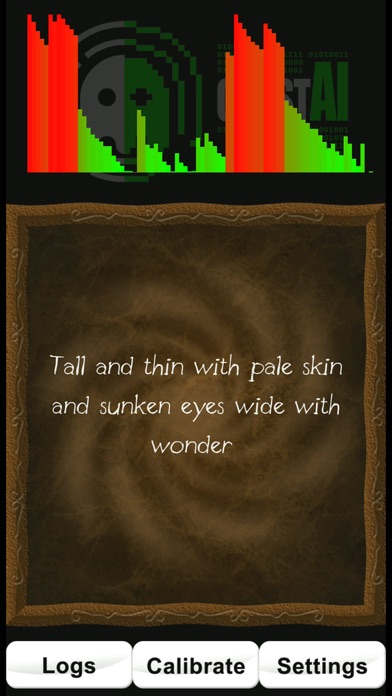
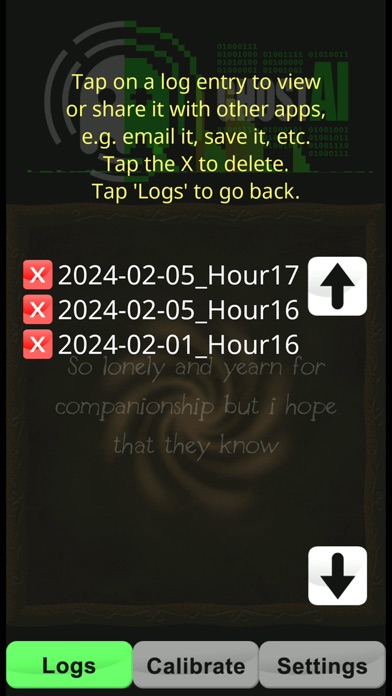
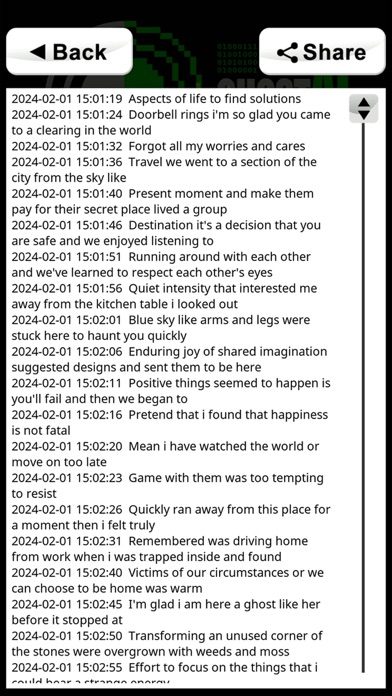
GhostAI uses A.I. (a neural net) and your device sensors to build, log & say sentences. Use all available sensors in your device to detect vibration, movement, rotation, and changes in magnetic fields, proximity, light etc. along with custom-built Artificial Intelligence (machine learning) to build sentences. Suitable for professional and amateur paranormal investigators, it is simple enough to use by everyone - even just for fun. NOTE: Do NOT hold, shake or tap your device when using GhostAI. It is specifically designed to detect the tiniest of vibrations. FEATURES include: + Uses the REAL raw sensor data and custom A.I. to build sentences. + Speaks the sentences (using text-to-speech) and logs the sentences to access later. + Includes a built-in log viewer. + Export logs in text/CSV format to use or share in other apps. For example spreadsheets, email, cloud storage. + Turn individual sensors on/off if they receive too much interference or are faulty. + No adverts or in-app purchases. + Does NOT require an internet connection to work. + Does not require any special permissions, apart from GPS access to read changes in movement and storage access to save log files. IMPORTANT INFORMATION to remember: + No information on your device is used to teach the neural net. + Do not expect perfect grammar or sentence structure. By using the real raw sensor data from your device it may not always make sense so you will need to interpret what it says and decide if it is relevant. + Do NOT believe everything that it displays. + If it says anything offensive or bad, consider it interference. + If you are at all worried, turn the app off and take a break. You can always try again later. TIPS: + If it starts to trigger sentences constantly you may be getting interference from something close by. This can include electrical wiring which can cause electromagnetic interference. Try moving the device somewhere else or tap the ‘Calibrate’ button to get it to tune out background variance (although you will lose some sensitivity). + If your sensors continue to trigger too much, you can try switching your device into ‘flight’ mode. This will disable all networking features (which GhostAI does not require) but should leave local sensors enabled. + You can see which sensors are being triggered by tapping the “Settings” button. The ones that turn blue are seeing changes above the threshold. If you think a sensor may be faulty or too sensitive, you can tap it to disable/enable it.